I recently1 discovered ugrep, and I have benefited a lot in using this to search my logseq journals. But recently I noticed I was getting fewer results and also confirmed some misses. My specific strange issue was that if I pointed directly to my miss, ug found it but not otherwise. I was consulting with microsoft copilot about this mystery.
running into a weird ugrep issue where,
ug -%% 'some blah' /some/foo/path, comes up dry , but if I am specificug -%% 'some blah' /some/foo/path/more/specific/file.py, then I get results. Is there some index that needs to be poked for rebuilding?
Insights included turning on --hidden and --all , to search in .gitignore and other hidden files, as well as following symlinks. Those did not work for me. I went through a few more back and forths in the conversation but nope nothing. One cool suggestion was to use --stats. This was helpful because ug will report how many directories and files were searched and when I tried this I saw way fewer directories than expected.
And then the answer became obvious 🤦♂️, ughh, ug was likely not looking recursively. My original success was on my logseq journal which is just a flat directory and so I did not encounter this issue. So I looked at the ug --help again and indeed saw there was a -r recursive option. I tried it and problem solved.
It took me a while to grok this one, but in my defense I had a solid 30 days of benefit where I just so happened to only use this on a flat directory 😆. And for the past several years prior, I had been living on ag, the silver searcher, which is recursive by default and so I kind of assumed this would be true for ug too.
My session
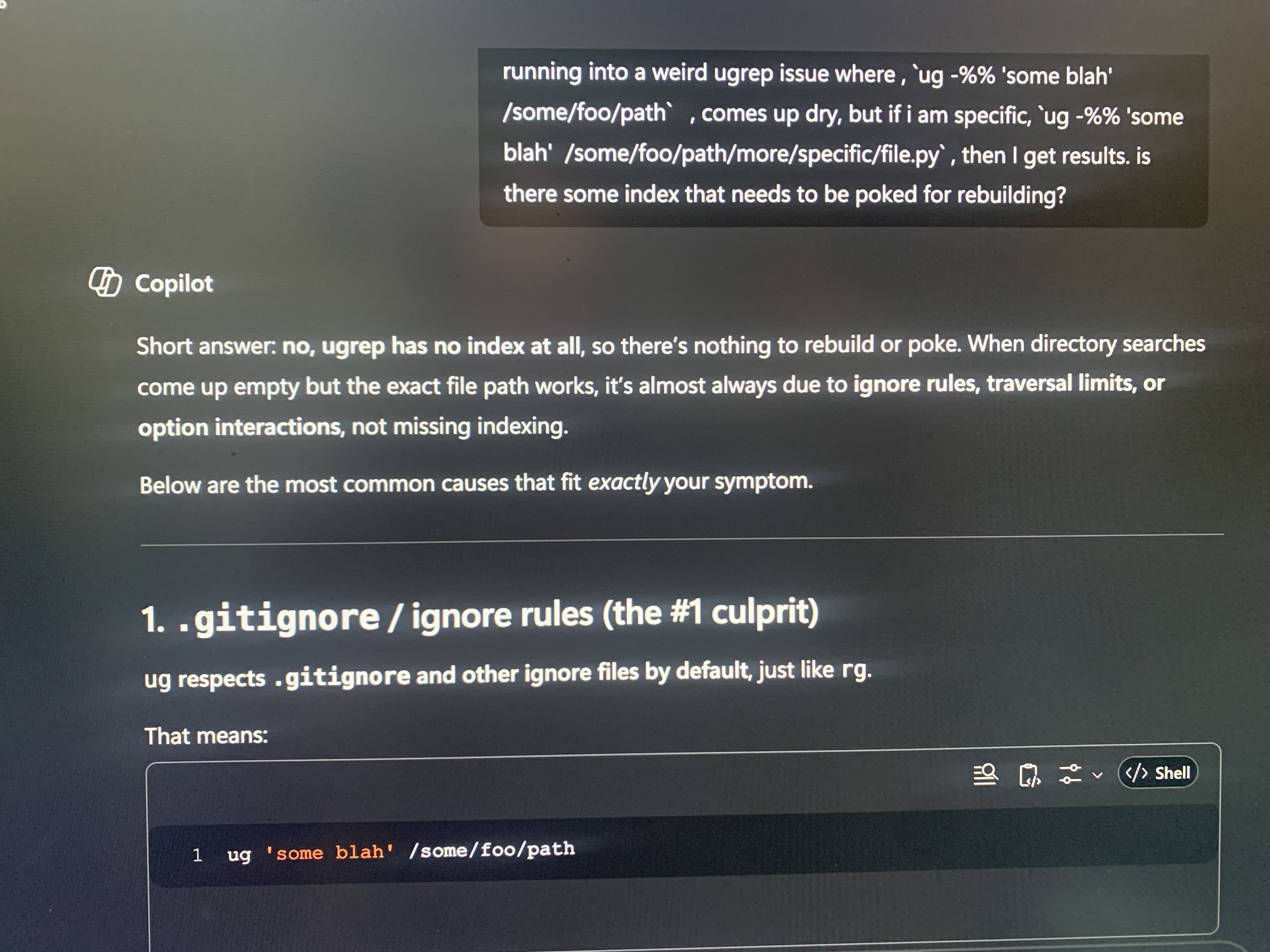
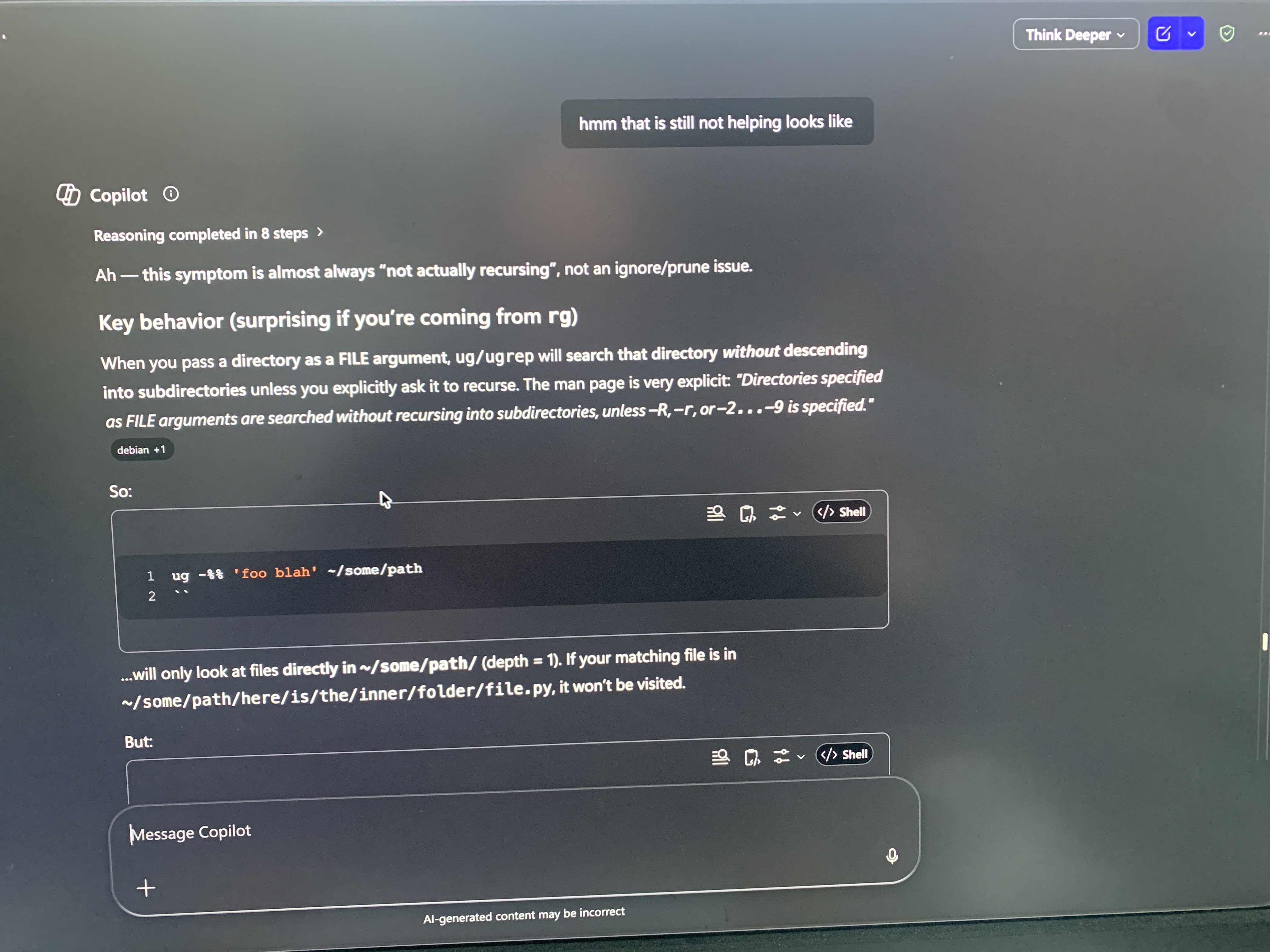
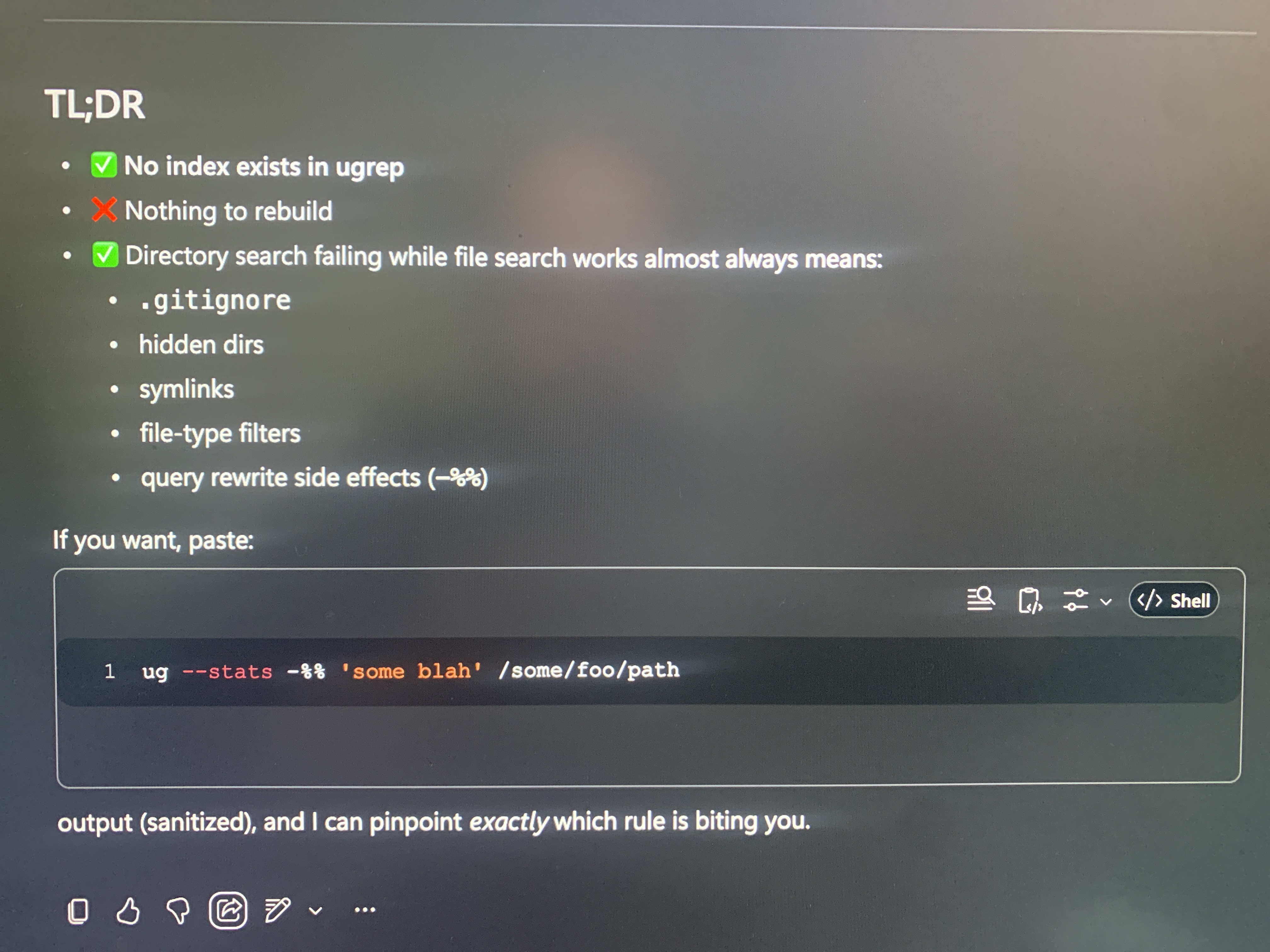

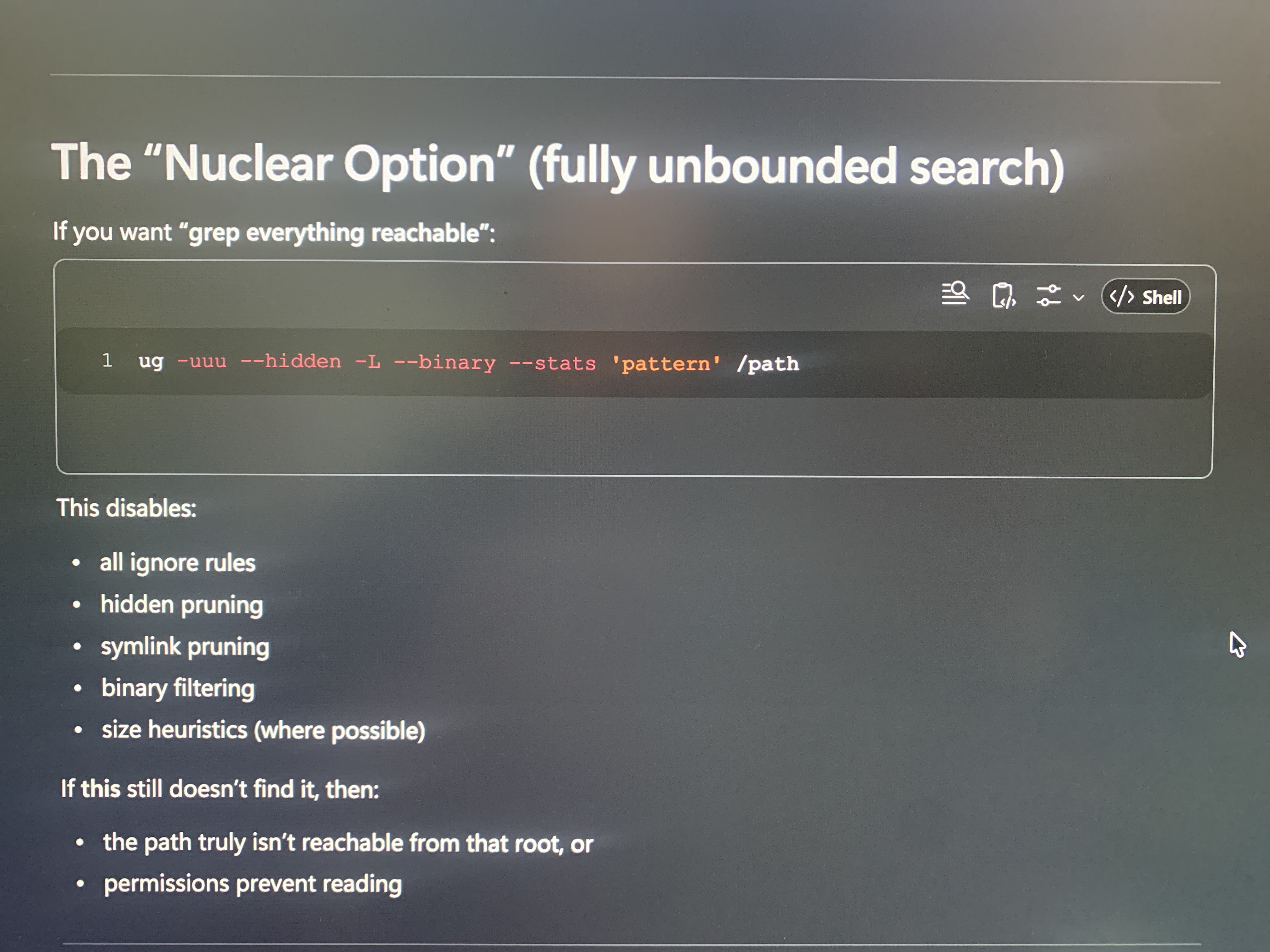
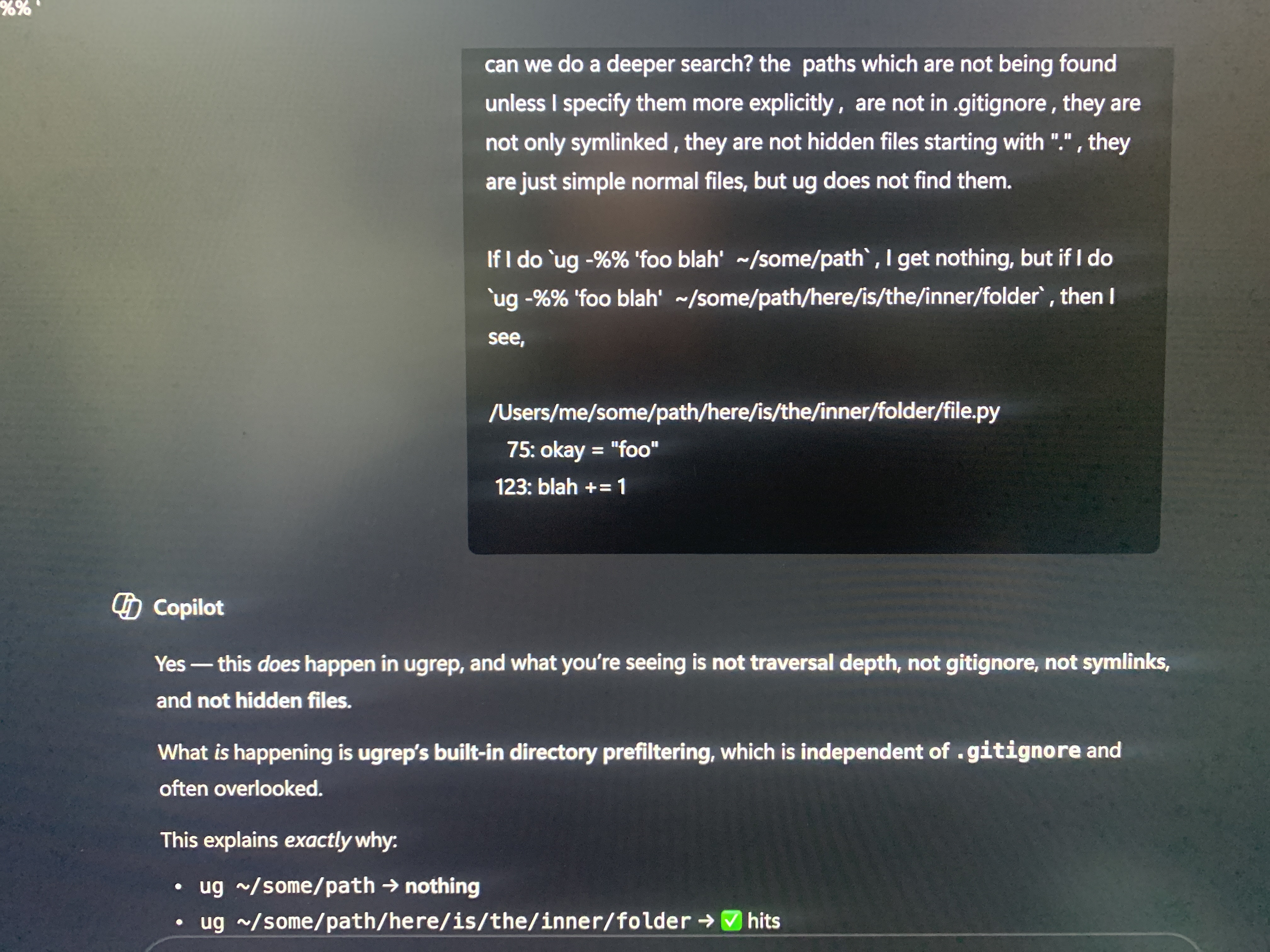
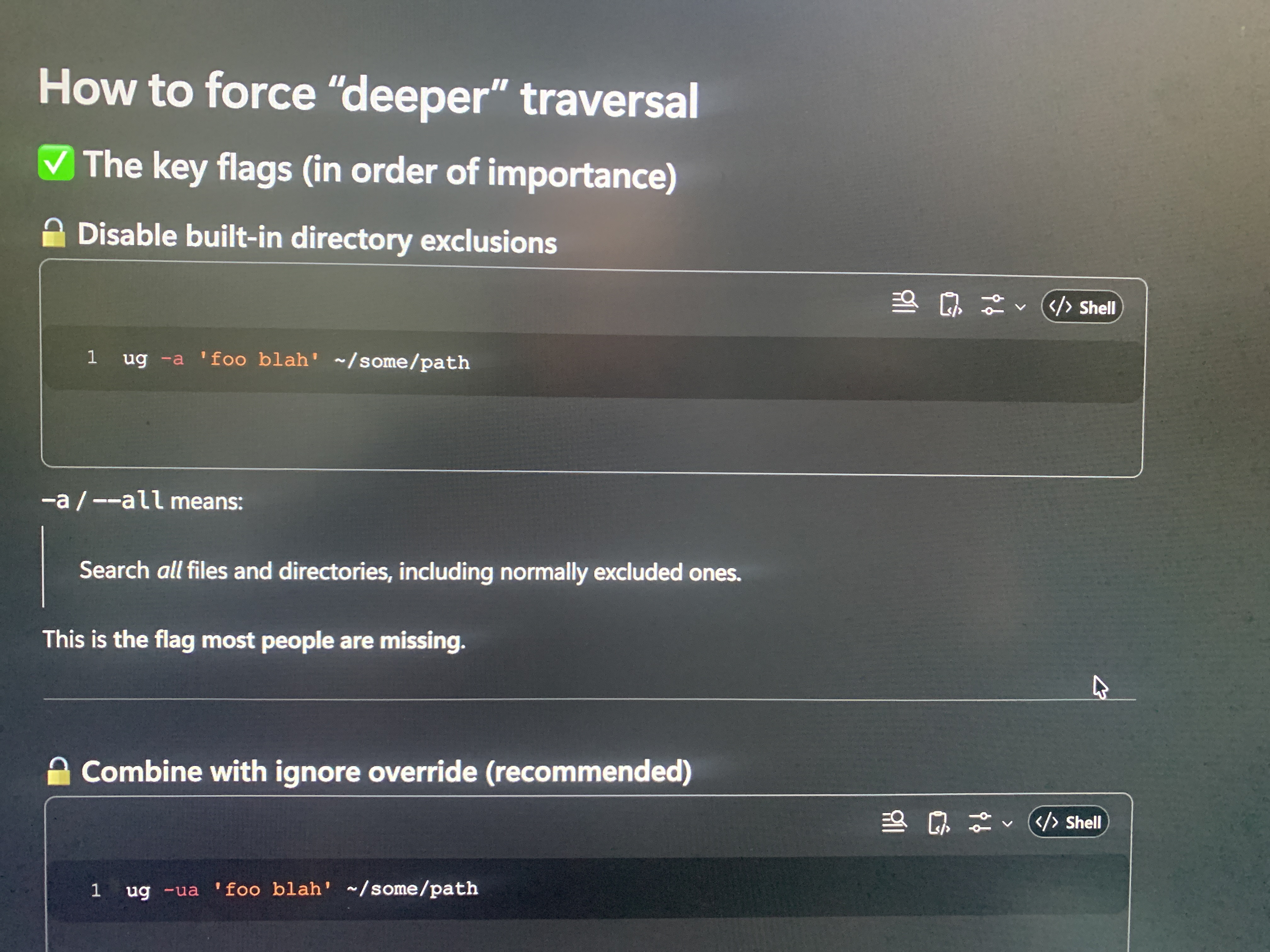
I am logging this as another example where GPT on copilot was not seeing the obvious answer.
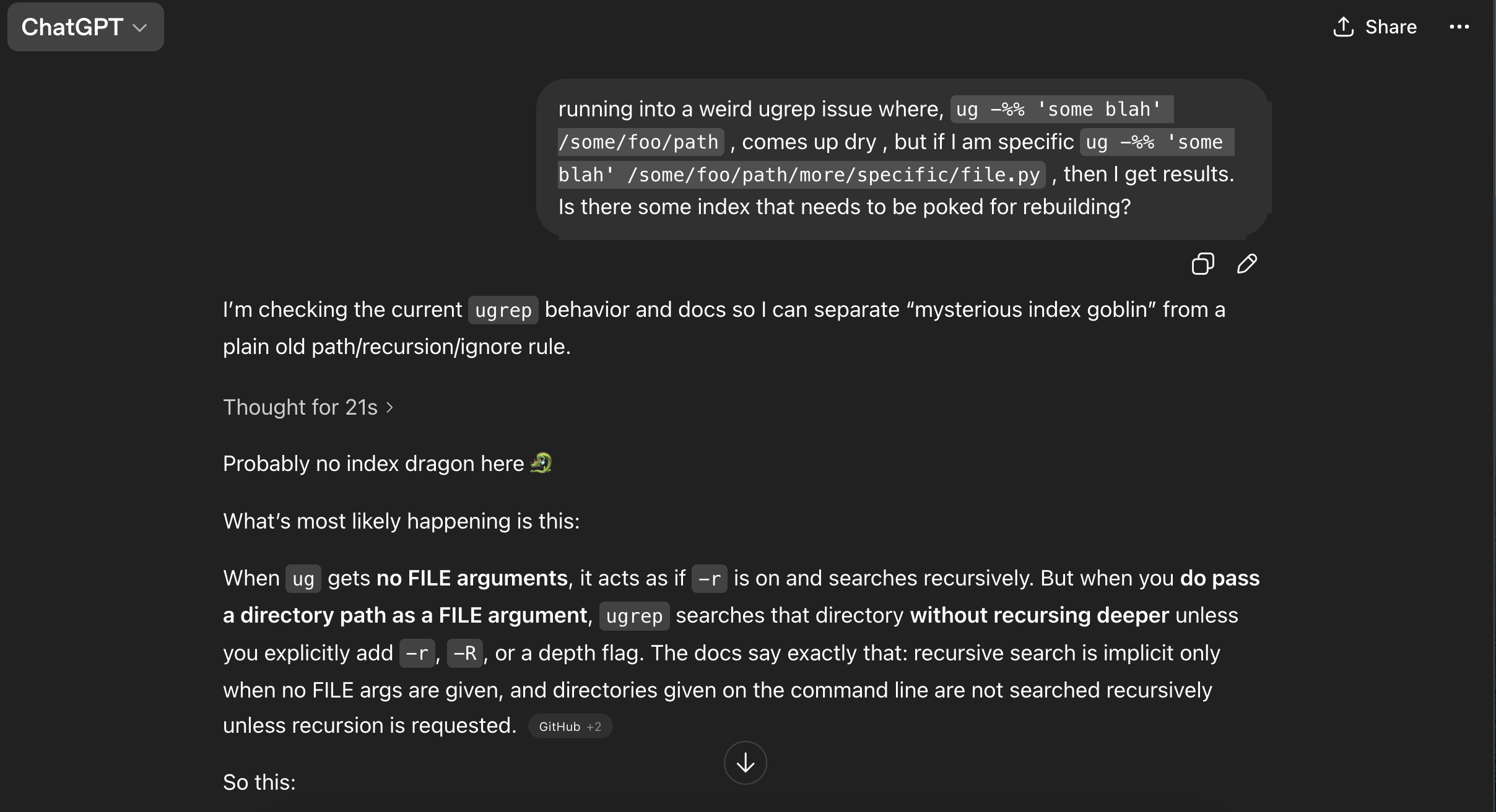
Chat GPT got it out of the box
However, I also tried Chat GPT, and there I got the right answer right away actually.
Copilot got it with deep thinking selected