Wow, today I was learning about the timeline of Microsoft adding Linux support on Windows, reading this article1, on my phone, but I got distracted. I was trying to long-press one of the links in the article, but this news website, bless their hearts, is click harvesting, so was preventing my long-click trying to take a peak at a link prior to clicking it–since don’t click on shift is just 101 against phishing. Anyway, got a tip from ChatGPT to try “Reader Mode”, in my Safari app. Somehow that option was gone for this website. I also tried “Request Desktop Website”, but that didn’t change the long-click-hijacking. But I stumbled upon another interesting Safari capability.
Hide Distracting Items
Wow, I noticed this, “hide distracting items” menu option,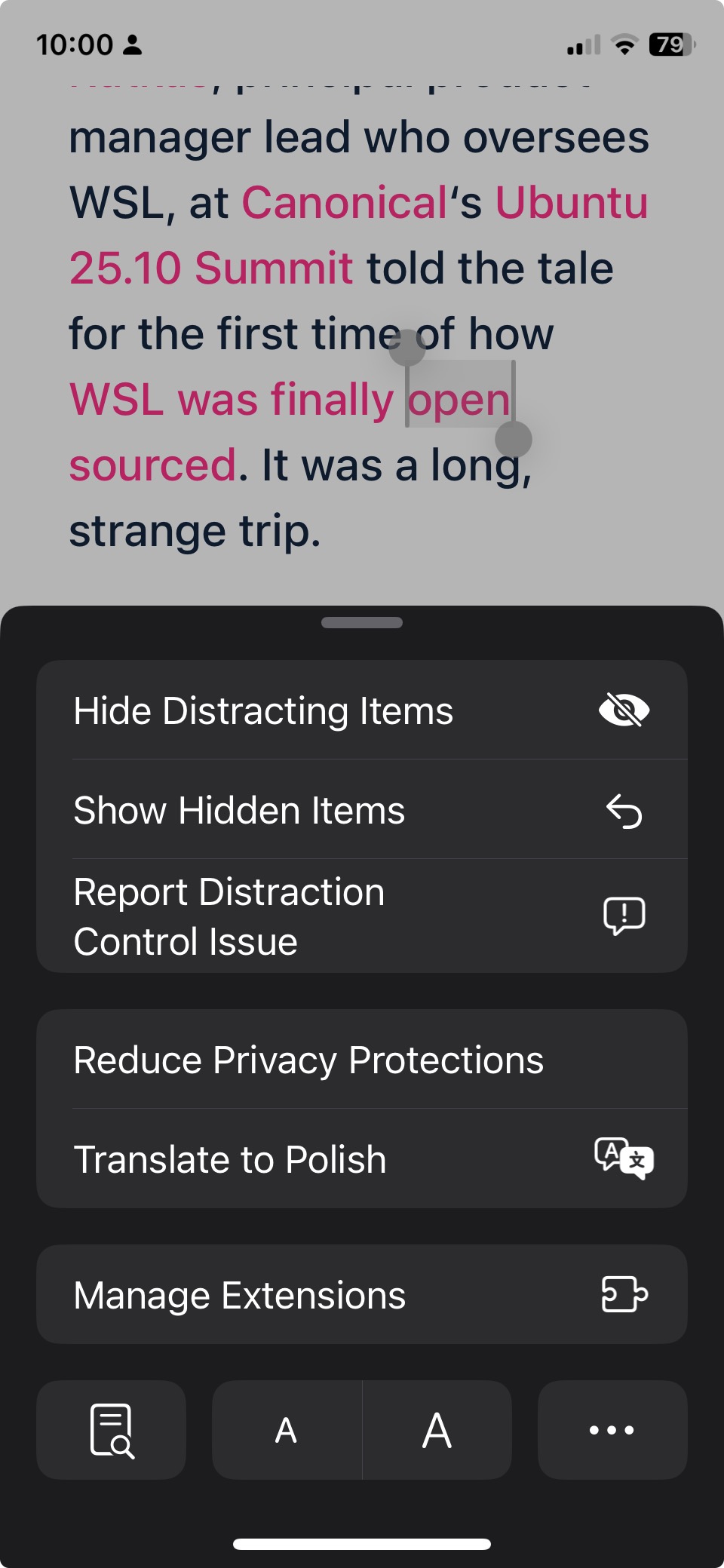
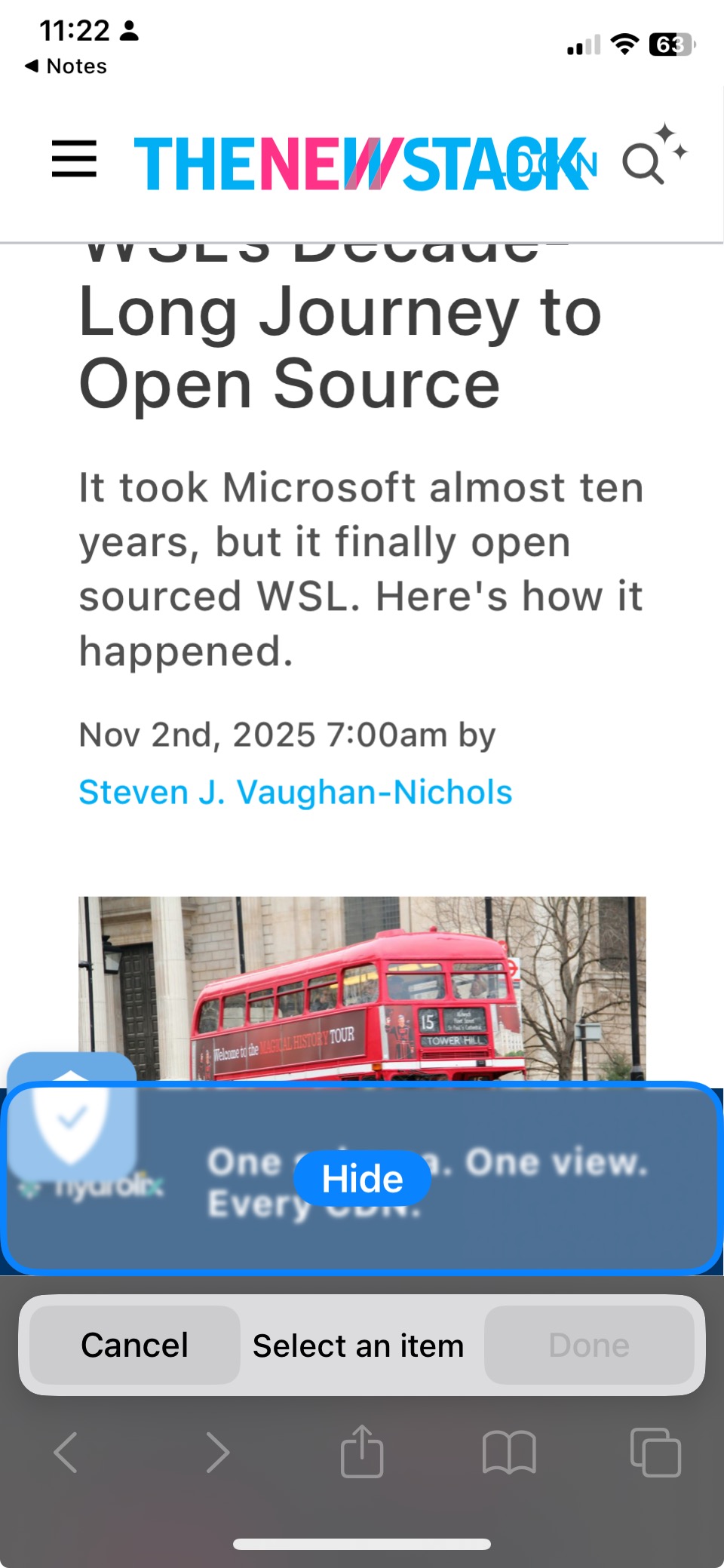
Amazing! So I tried this out and unrelated but, this was really effective for hiding two horizontal bars on this mobile phone screen I have, to make my reading experience slightly less distracting.
[[before and after]]


But then I randomly tried something and figured out how to escape the long-click-jail.
Drag and win
This was kind of baffling, but while just messing around with the long clicks, I noticed I could see the domain when dragging them. Actually I remember noticing this when reading an article in my paid-for The Atlantic app2 too. But then I had the other super random idea to drag the link with my index finger and open up the app switcher with my thumb, and drag the link into my Notes App. And boom somehow that actually worked ! And I was able to see the link.
I had discovered this kind of drag-and-app-switch pattern on MacOs on my laptop a long while back, to be able to, say, “reveal desktop”, drag a file from said Desktop, “unreveal desktop”, and drag that file into some upload in your browser say. But today was the first time I thought to try this manoeuver on an iphone!
Text too
And the next thing I tried, which also worked, was that you can select text and drag that across an app-switch as well, instead of doing the annoyingly tedious long-click-to-copy , and app-switch, then the long-click-to-paste .